
AI Filmmaking Studio
Real footage. AI shots. One film.
Script to cut in your browser. Plan every shot in one shotlist (filmed on set or generated), then edit and cut the finished film. No install.
100 free credits (about 16 images) when you sign up. No subscription, pay as you go · About 6 credits an image · Credits don’t expire
Built on Solana · Supported by Superteam Australia


Pay by card or crypto

Card through Stripe, or USDC, SOL and AUDD on Solana.
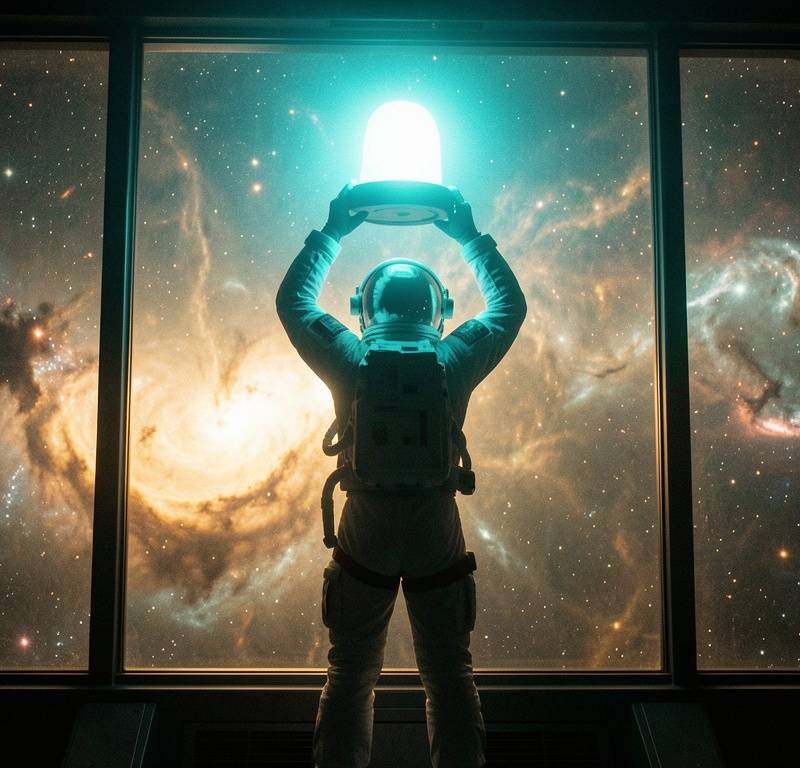
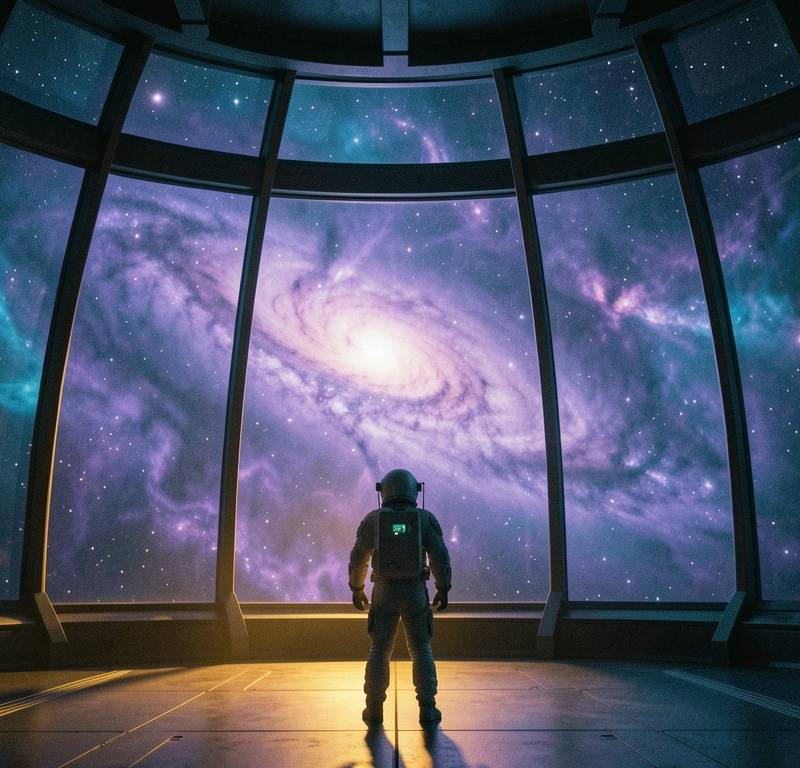
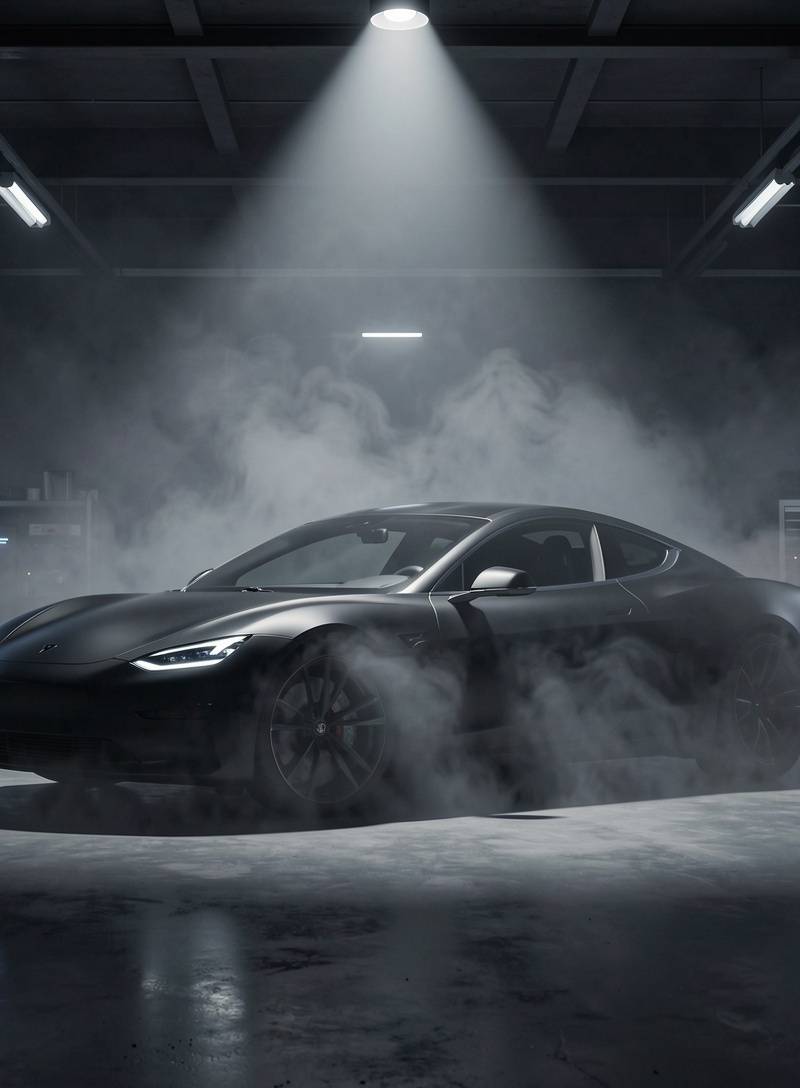
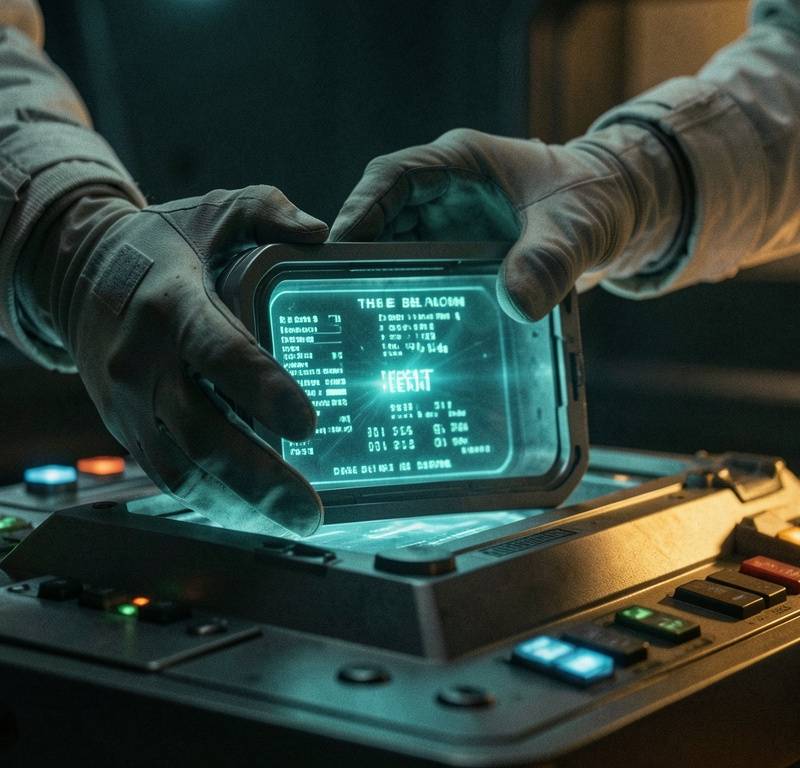
Every frame below was made in Splice
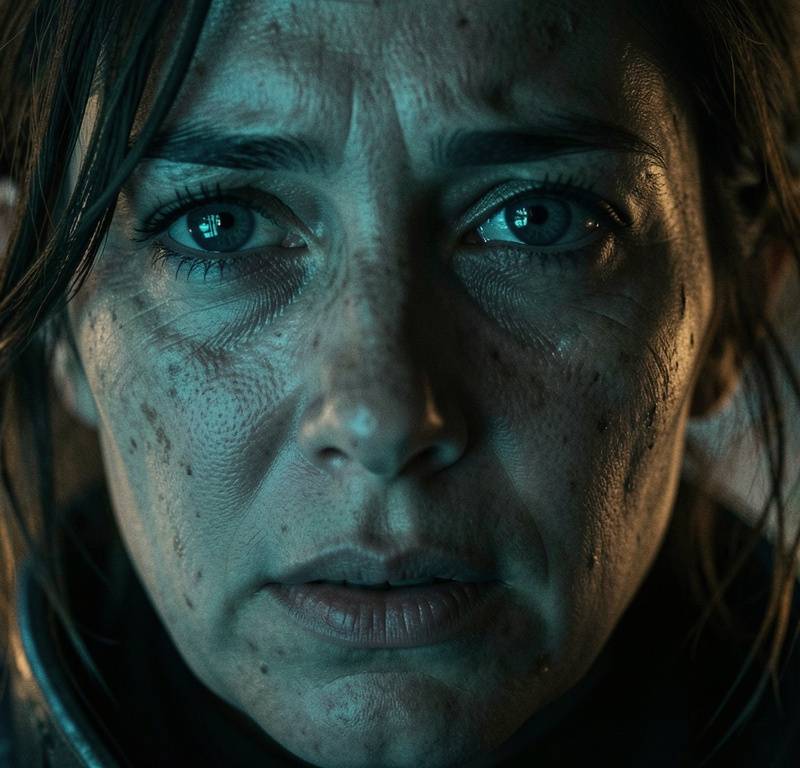
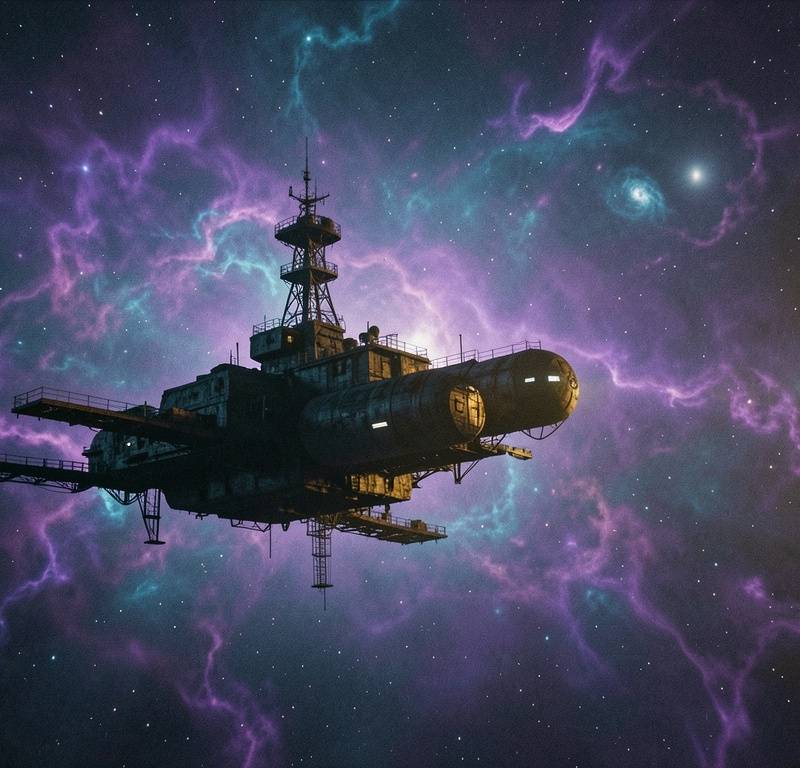
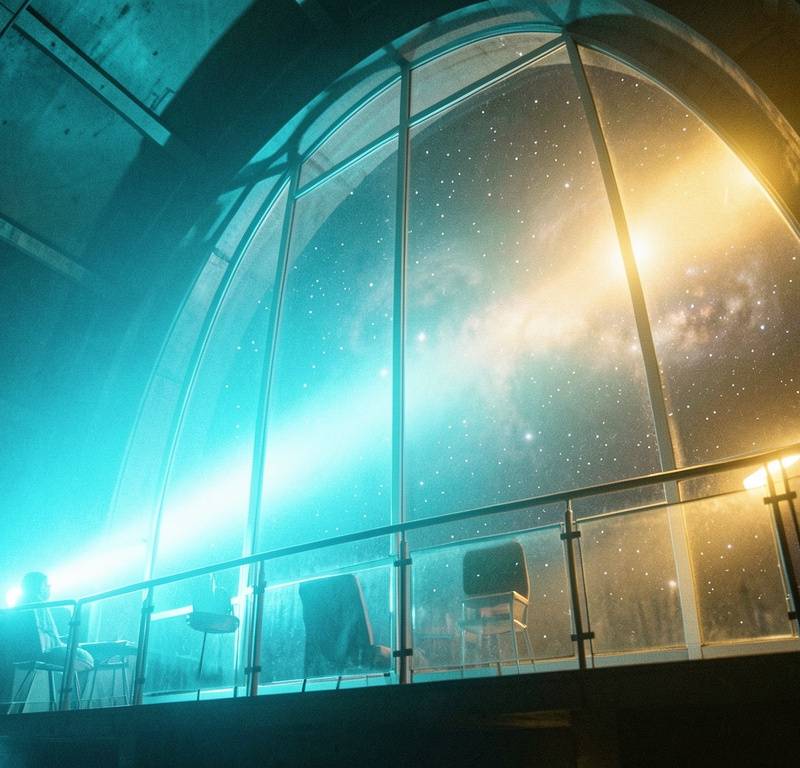
Stills and shots from “LAST LIGHT”, a short film generated, edited, and cut start to finish in the browser.
A lone astronaut aboard a derelict deep-space station follows a pulsing signal to its source, and sends one final transmission home.

One studio, script to cut
Plan
Script, storyboard and shotlist in one place. Mark each shot as live-action or AI, then track takes against the list on shoot day.
Generate
Text-to-image, image-to-video, voice, music, and sound: 40+ AI models in one studio, with characters and locations that stay consistent shot to shot.
Edit
Reframe, upscale, erase, relight, lip-sync, and translate. Non-destructive edits on every frame, no separate app to round-trip through.
Cut
A real timeline. Arrange shots, layer audio, add captions and motion graphics, and export a finished film, all in the browser.
Template library
Never start from a blank canvas
Pick a template, hit Remix, and Splice opens it ready to make yours: the generator pre-filled with the model, prompt and settings, or the Motion editor loaded with the whole animated scene. Every shared template is curated and reviewed.
MCP
Make films from your AI assistant
Splice works inside the assistants you already use. Connect it once, sign in with your film.fun account, and ask. Connecting is free: you only pay for what you generate.
- Claude
- ChatGPT
- Claude Code
- Codex
- Cursor
- VS Code
- Ask in plain words
- Your assistant generates images, video, voice and music, edits and upscales, and renders motion graphics for you.
- Sees the price first
- Every model's credit cost is one call away, so it can pick the right one before it spends.
- Lands in your account
- Everything it makes is saved to your Splice productions, ready to edit and cut.
You
Make a vintage film camera on a wooden desk in warm light, then turn it into a slow dolly-in video and add a voice-over.
Assistant, using Splice
- generate_image · camera on a desk, warm light
- generate_video · slow dolly-in from the still
- generate_voice · the voice-over line
- get_job · all three finished
Done. The image, video and voice-over are in your production.
claude mcp add --transport http splice https://splice.film.fun/api/mcpMake your first shot today.
Sign up and generate your first image in about thirty seconds. No subscription. Pay as you go, and credits don’t expire.